TikTok Link in Bio with Yerba
By The Yerba Team · · Updated
Share this


A TikTok link in bio is the single clickable link TikTok lets you add to your profile, and it is the only door from a viral video to everything else you do. The way to get more from it is to point it at a page that talks back instead of a static list.
This guide covers what a TikTok link in bio is, how to add one, why a single link is actually an advantage, and how to set up a page that answers viewers and routes each one to the right place, in 2026.
What is a TikTok link in bio?
A TikTok link in bio is the one clickable link TikTok lets you put on your profile. It is the bridge between a video that just went viral and everywhere else you live online: your other socials, your shop, your latest drop, your mailing list.
Because you only get one, that link is the most valuable real estate you own on TikTok. The question is what happens after someone taps it.
How do you add a link to your TikTok bio?
To add a link to your TikTok bio, open your profile, tap Edit profile, add your URL to the Website field, and save. The Website field appears once your account is eligible to add a bio link.
Point that link at a single page that holds everything you share, so one video can send viewers to the right place without you rewriting your bio for every drop.
Why is one link all you need?
One link is enough when it opens into a conversation instead of a menu. A viewer who just watched a 15-second clip is not going to read a wall of buttons and guess which one is for them, and every extra choice is a chance to lose them.
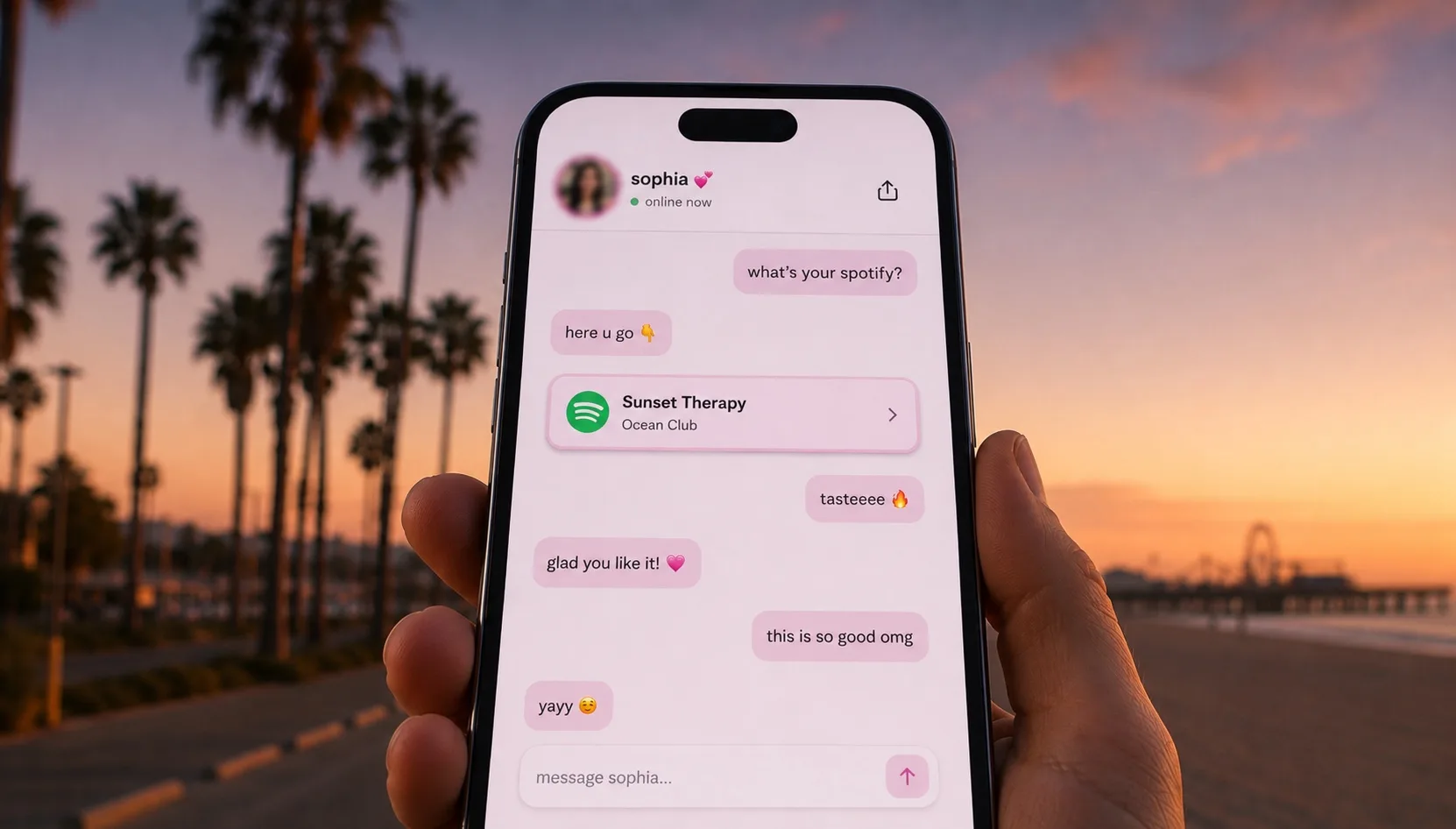
A link that opens into a chat does the sorting for them: it asks what they came for and walks them straight there, in your voice. One link, every destination, no menu.
How do you make every tap count?
Make every tap count by matching the link to the moment and watching what works. When a video is doing numbers, point the conversation at whatever that video is about, so the people arriving warm land on the right thing first.
Then track which videos send the most taps, what viewers ask for, and which destinations convert. Real numbers beat guessing, and they tell you what to make next.
Frequently asked questions
Can you have more than one link in your TikTok bio?
TikTok gives you a single link in your bio. The way to get more from it is to point it at one page that holds all of your destinations. With Yerba that page is a chat that asks what each visitor wants and sends them to the right link, so one bio link covers everything.
How do I add a link to my TikTok bio?
Open your TikTok profile, tap Edit profile, and paste your link into the Website field, then save. Point it at your Yerba page so every visitor gets a conversation instead of a static list.
What is the best link in bio for TikTok?
The best TikTok link in bio is one that converts a fast-moving viewer without making them read a menu. Yerba does this with a chat that greets each viewer in your voice, answers their question, and shares the one destination that fits, all from the single link TikTok allows.
Still have questions? If there is anything we did not cover here, visit our Help & Support Center and a real person will help you out.